01 / BEFORE THE TRIP

Save the spots.
Build the itinerary.

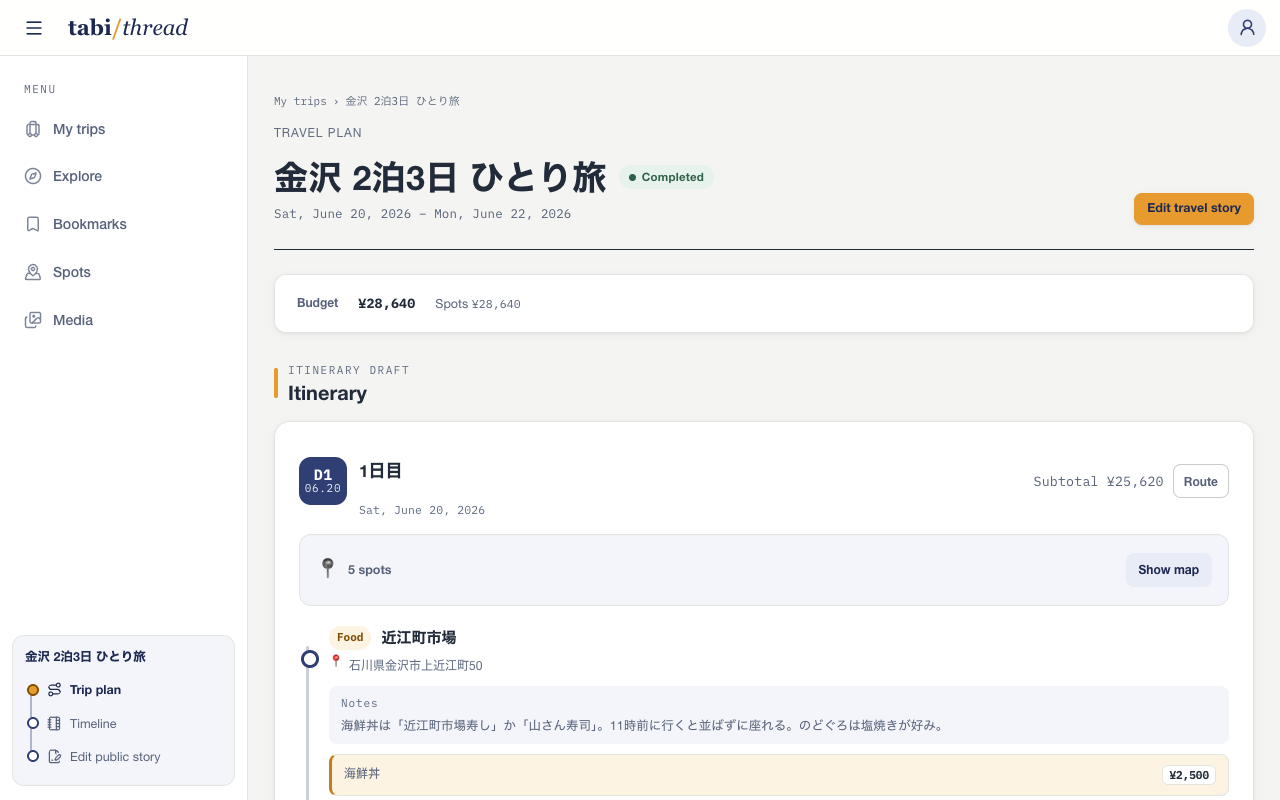
Save candidates, arrange each day, check the map and route, and total the selected costs. Keep the information you need before a trip in one plan.

  • Search and save spots to reuse across trips
  • Place spots into each day and reorder them manually
  • Check the map, route, and budget from the plan
TRAVEL PLAN / ITINERARY + BUDGET
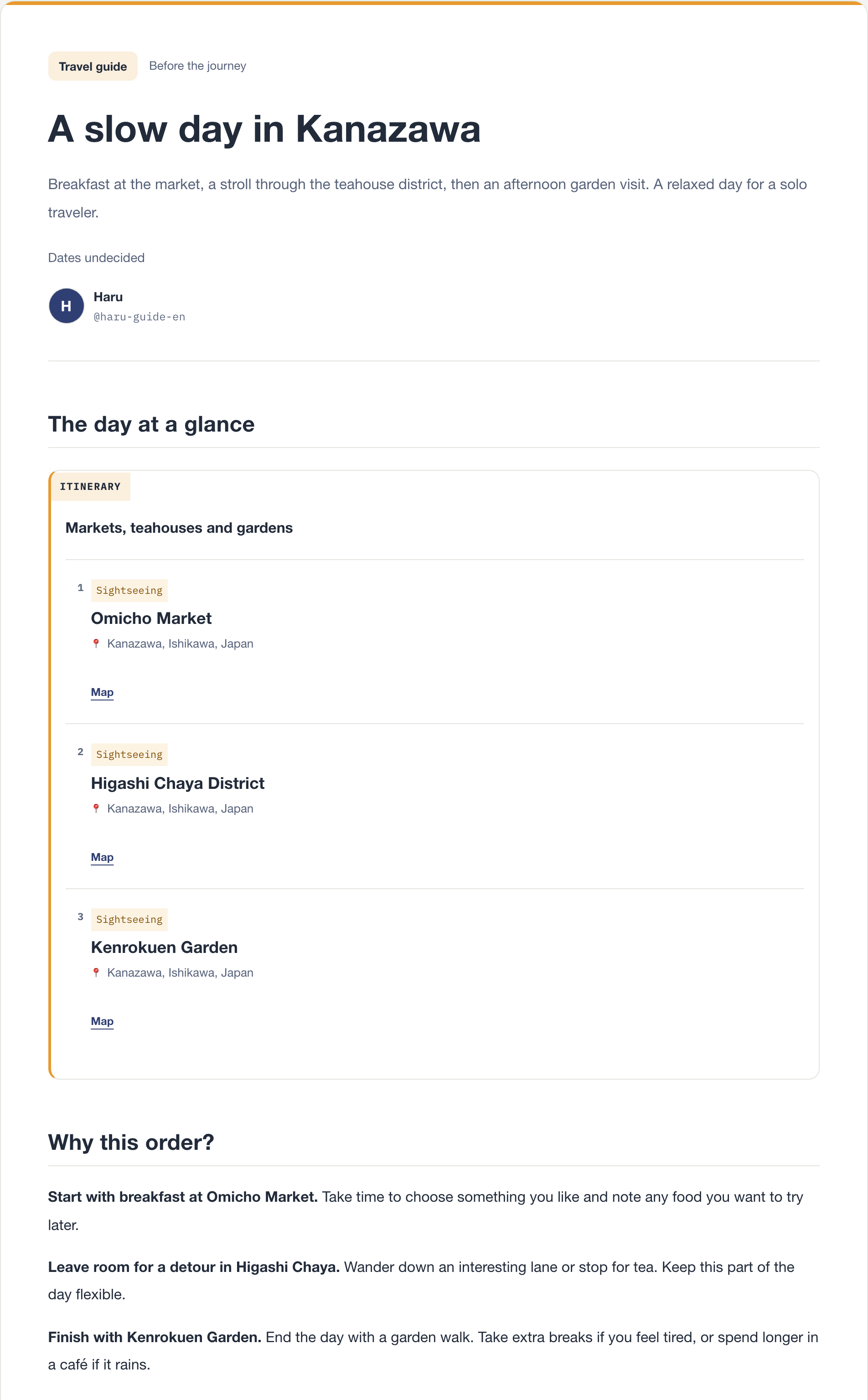
A three-day Kanazawa plan showing its daily itinerary and total budget

01 SPOT LIBRARY

Save places once and reuse them across trips.

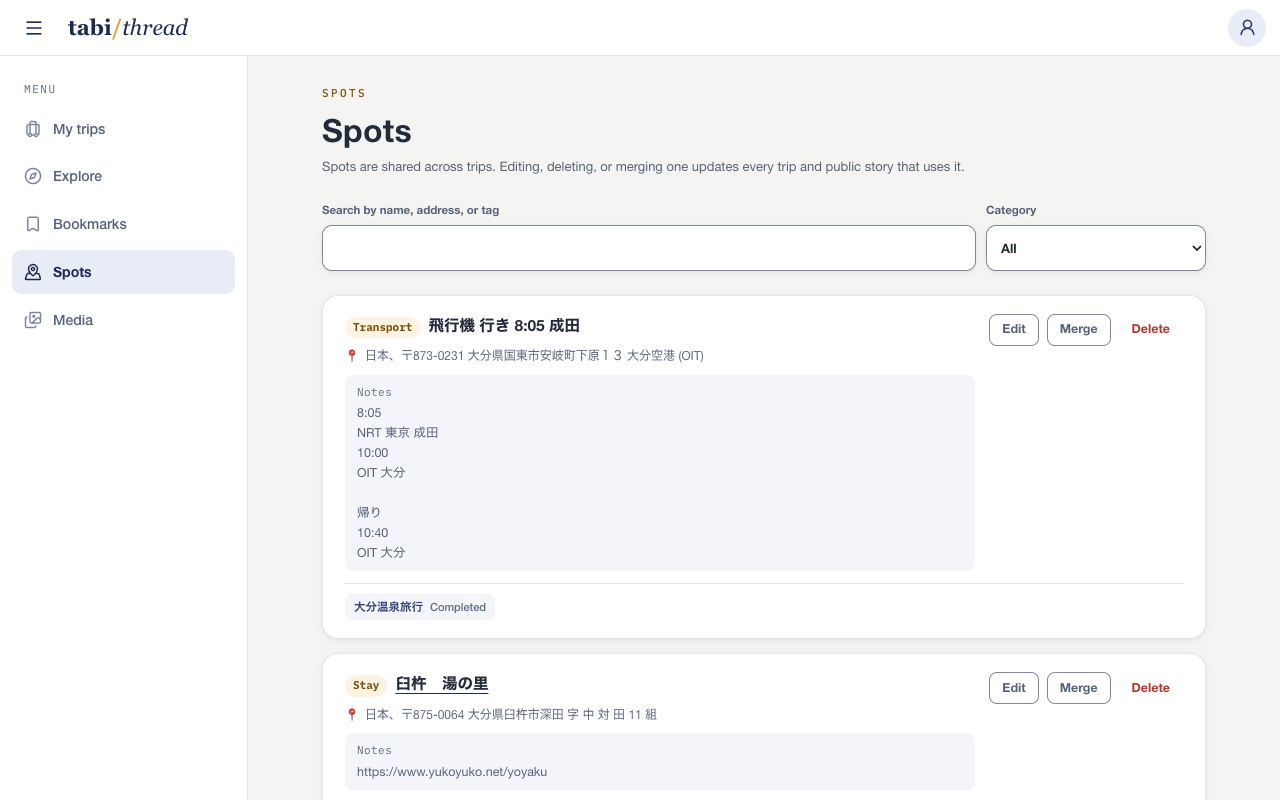
Save hotels, restaurants, sights, and other places as spots. Along with a name, address, tags, and website, each spot can hold practical notes and menu items with prices and booking links.

Search the library by name, address, or tag and see which trips already use each spot. Reuse a saved place in another itinerary or merge duplicate entries into one.

SPOT LIBRARY / SEARCH + REUSE
A list of saved places including Kenrokuen Garden and Omicho Market

02 ITINERARY

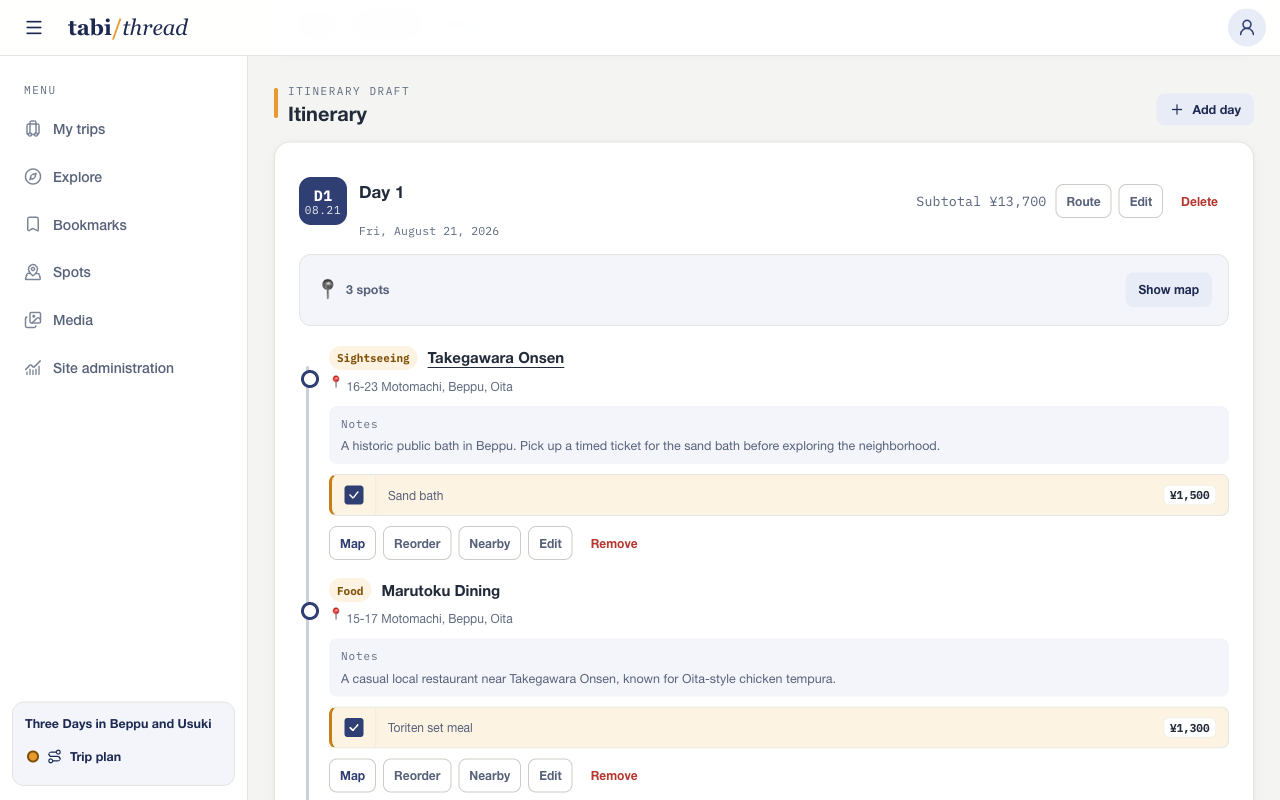
Place spots into each day and reorder them.

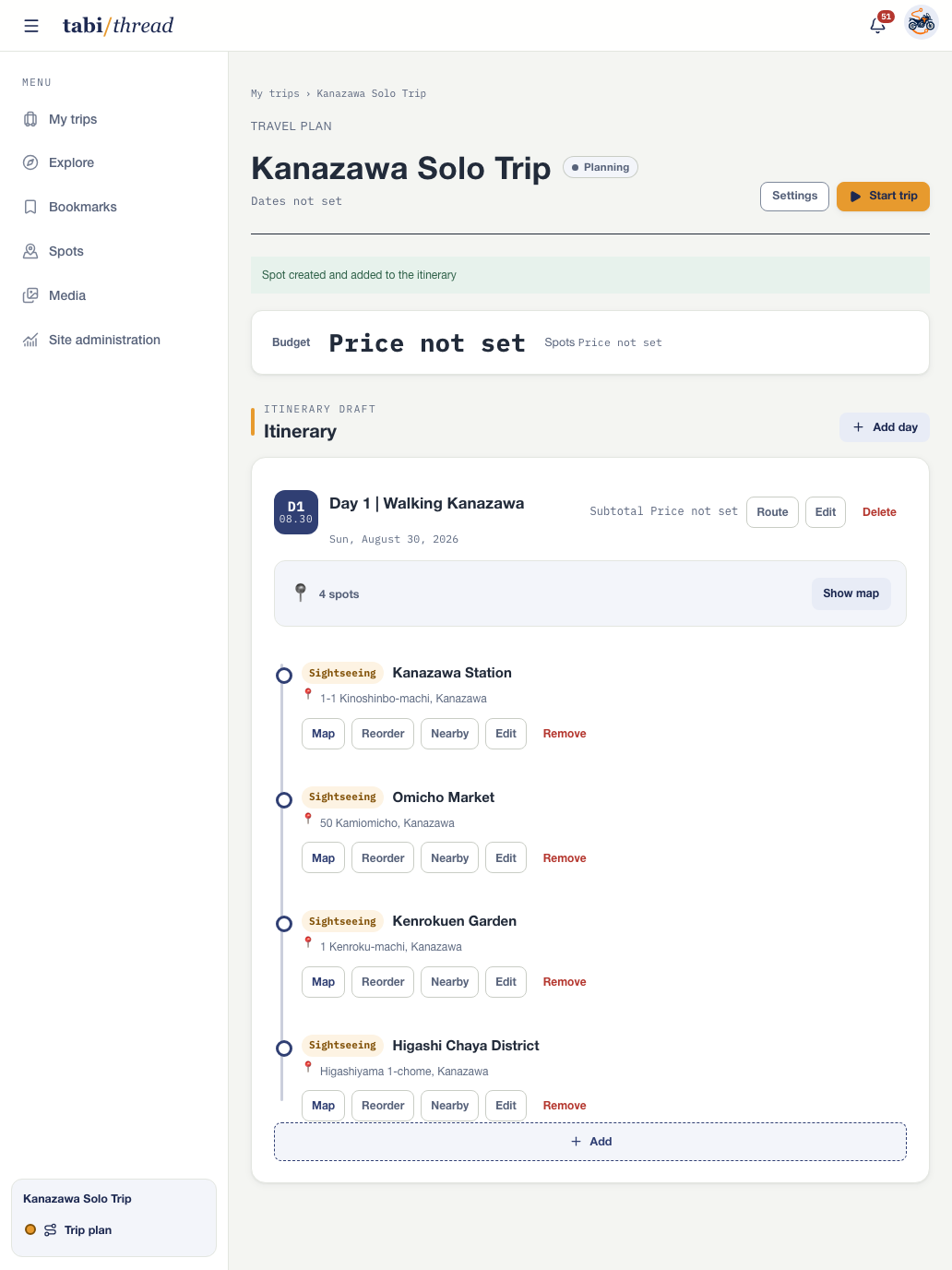
Add saved spots to daily itineraries and reorder them manually. Dates can remain undecided, so you can organize candidates before committing to a schedule.

Notes, menu items, and prices saved with a spot stay visible inside the itinerary. The details you researched remain available on the same screen when you need them on the road.

ITINERARY / DAYS + MANUAL ORDER
A three-day Kanazawa plan with a budget and ordered stops

03 MAP + ROUTE

See the locations on a map and open the route.

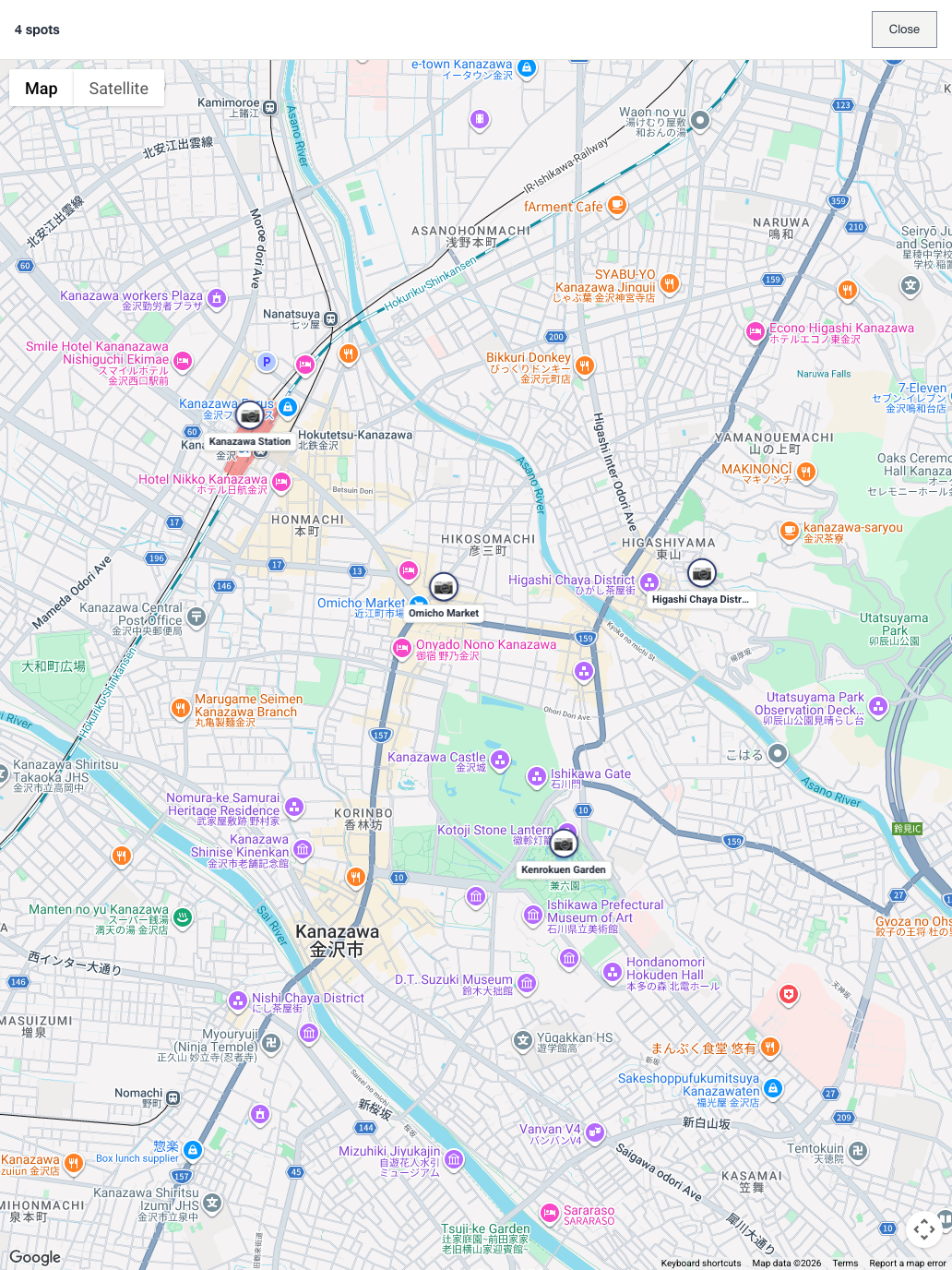
Show the spots for one day together as map pins to check where they are in relation to one another. A spot without saved coordinates can still open in Google Maps from its address or name.

The Route link opens directions in the itinerary's current order. Compare the map and route, then adjust the order yourself.

MAP / PLANNED SPOTS
A map showing five planned spots in Kanazawa

04 BUDGET

Total only the costs you select.

Select the menu items you expect to pay for at each spot. Admission, meals, accommodation, and other selected items update the day's subtotal and the total for the whole trip.

Trips using multiple currencies keep separate totals, and the plan distinguishes an unknown price from a free item. You can keep the current estimate in view while the itinerary changes.

BUDGET / SELECTED ITEMS
An itinerary where transport and meal costs are selected for the trip budget

Turn your next solo trip into one continuous thread.

Start free

Sign up with your email address, Google account, or Apple Account.